Quick start
PicHost is a self-hosted image host for NAS, home servers, or VPS. Docker is recommended; the first visit runs a web wizard to create the admin account.
Try it online
| Branch | Notes |
|---|---|
| main | No public demo — see screenshots or the repository README |
| cloudflare | R2-only live demo: pic.roven.cc |
Docker (recommended)
docker run -d \
  --name pichost \
  -p 6892:6892 \
  -v ./data:/data \
  --restart unless-stopped \
  muxui/pichost:latest
Default port: 6892. Open http://<host>:6892 and complete setup.
If you cloned the repo:
docker compose up -dSee docker-compose.yml in the repository.
First-time setup
- Open your instance URL (Docker default
http://<host>:6892). - On
/setup, choose Create admin or Restore backup:- Create admin — username, password, optional registration and dual-domain options.
- Restore backup — upload a
.phost.tar.gzfull-site package (replaces current data; re-enter cloud storage secrets after restore).
- (Optional) Configure site URL, image URL, Referer rules — see Environment variables and Dual-domain separation.
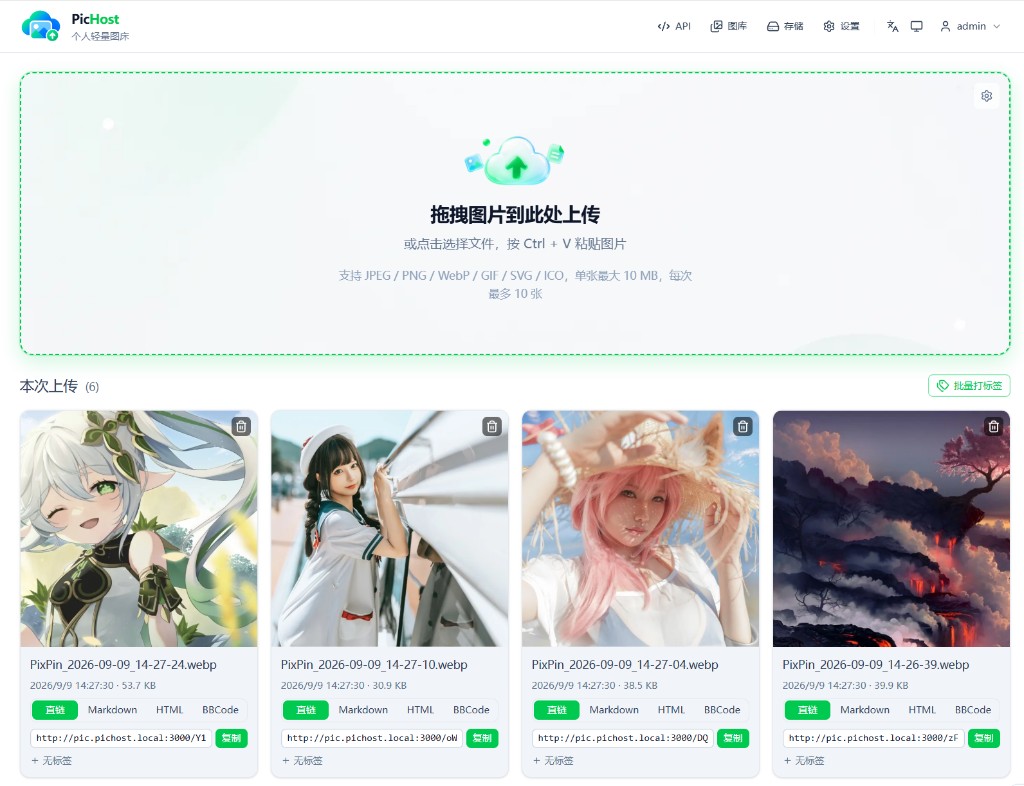
- Upload from the home page via drag-and-drop, file picker, or Ctrl+V; copy direct/Markdown/HTML/BBCode links from the results panel and use batch tagging. Top nav: Gallery, Storage (admin), Settings, API.
| Create admin | Restore from backup |
|---|---|
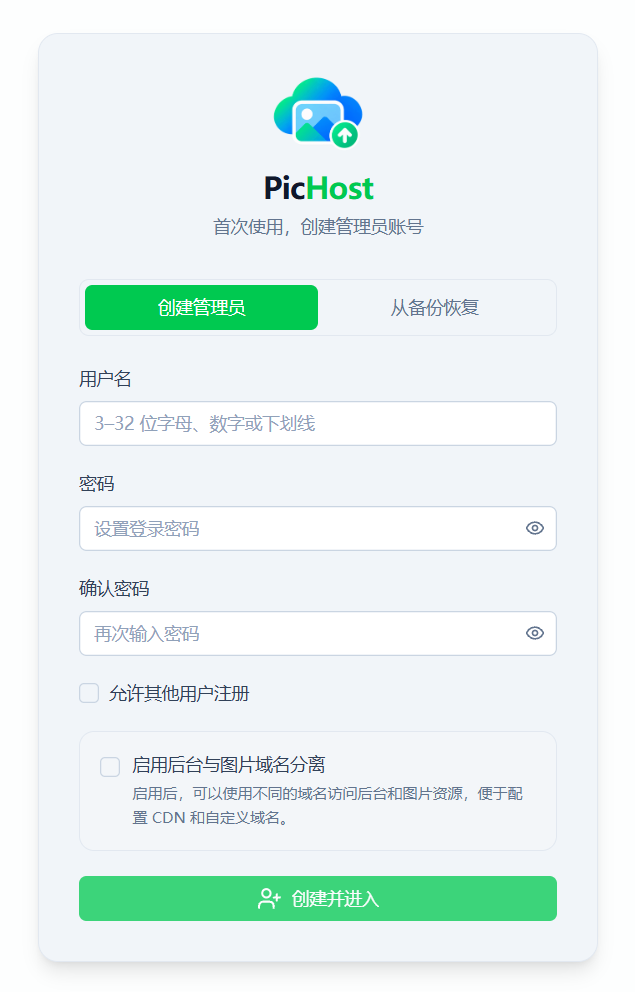 | 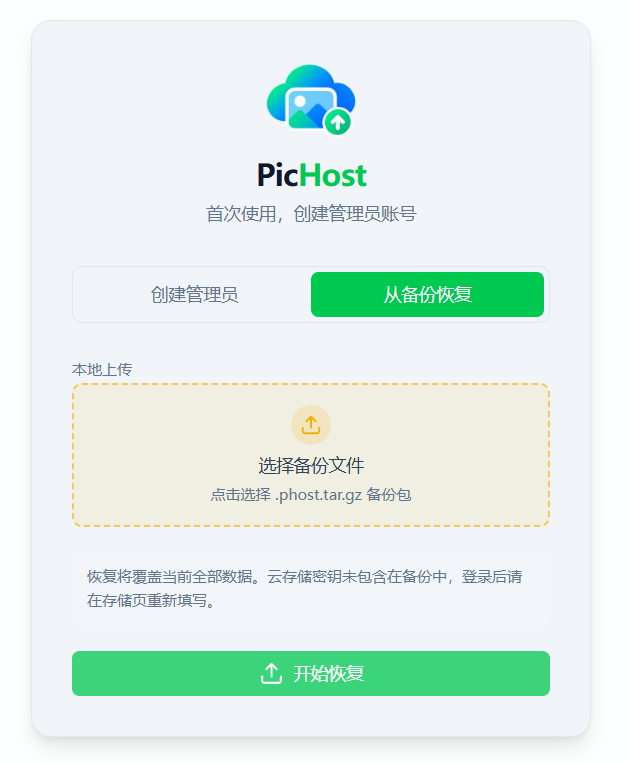 |
For an already-initialized instance, use Storage → Backup & migration instead of /setup.
Sign in
Management pages (upload, gallery, settings, etc.) require login. Enter username and password, complete the verification challenge, then click Sign in.
The default is a local slider (align the thumb with the gap). Admins can switch to Cloudflare Turnstile or Cap under Settings → Access control, with the matching site key / secret or API endpoint.
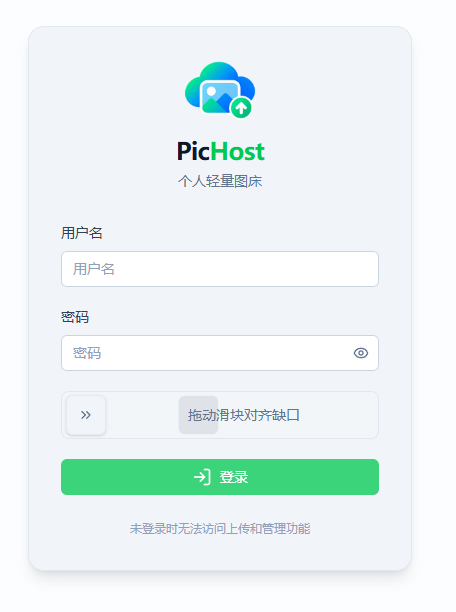
If registration is enabled, create an account from the register page (same verification). Legacy deployments may still use a secret key (see the on-screen hint).
Locked out of verification
If Turnstile / Cap is misconfigured and you cannot sign in, reset to the local slider on the server:
docker exec pichost sliderLocal dev: npm run slider
Forgot password
Requires docker exec (server access):
docker exec pichost reset-password              # admin only when there is exactly one
docker exec pichost reset-password <username> # admin or regular user
A random password is printed. Change it after login.
Local dev: npm run reset-password or npm run reset-password -- <username>
Dual-domain lockout
If dual-domain is enabled and IP / LAN access returns 404:
docker exec pichost clear-domainsLocal: npm run clear-domains. See FAQ — Admin 404 after dual-domain setup.